
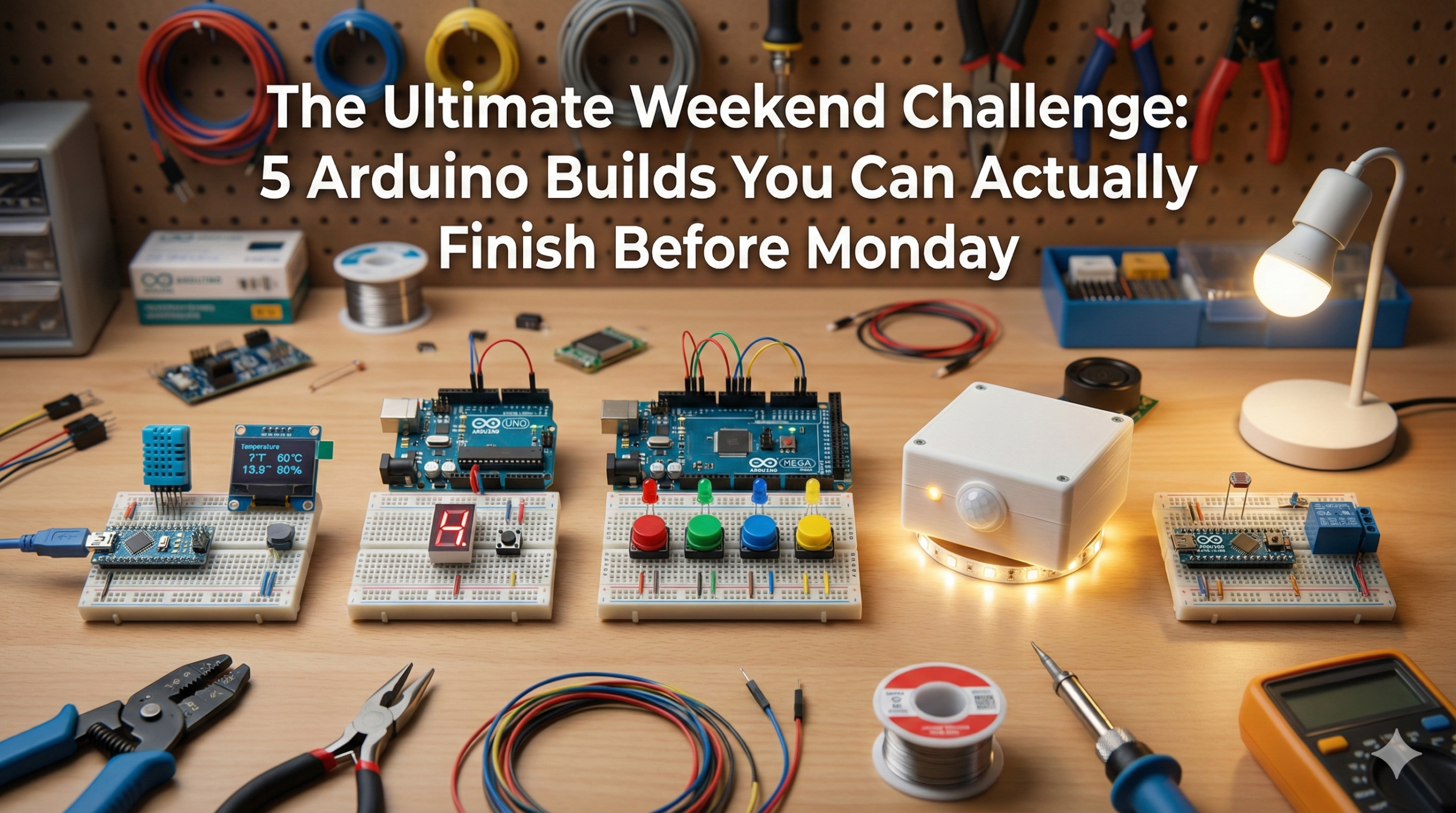
Turn your Saturday and Sunday into a maker marathon with these simple Arduino projects for beginners. Pick any one, and by Monday you’ll have a working gadget to show off in class—perfect for students, hobbyists, or anyone with a weekend to spare.

Why These Arduino Projects Are Weekend-Proof
These quick Arduino projects use common parts from any starter kit (under $30 online). Each takes 2-4 hours total, including wiring, coding, and testing.
No advanced skills needed—just follow the steps, copy-paste code, and tweak as you go.
They’re designed for shareability: Snap a photo or video of your build and post it with #ArduinoWeekendChallenge.
1. Temperature and Humidity Monitor (DHT11)
Time: 2 hours | Parts: Arduino, DHT11 sensor, optional LCD
Monitor room conditions like a pro.
Connect the DHT11 sensor to read temperature and humidity, then display it via Serial Monitor or an LCD screen. Code uses the DHT library—install it once, and you’re set.
Quick Steps:
- Wire DHT11 data pin to Arduino pin 2.
- Upload code to read values every 2 seconds.
- Add alerts like “Too Hot!” if temp > 30°C.
Show-off factor: Place it in class to “prove” the room’s too stuffy. Search tip: Arduino DHT11 project tutorial.
2. Digital Dice with 7-Segment Display
Time: 2.5 hours | Parts: Arduino, 7-segment display, push button
Roll virtual dice that look and feel real.
Press a button to generate a random number (1-6), light up the matching segments, and add a shake effect with vibration motor.
Quick Steps:
- Wire the 7-segment display (common cathode) to pins 2-8.
- Use
random(1,7)in a loop triggered by button press. - Debounce the button for smooth rolls.
Show-off factor: Challenge friends to beat your “lucky roll.” Search tip: Arduino 7-segment dice project.
3. Simon Says Memory Game (LEDs + Buttons)
Time: 3 hours | Parts: Arduino, 4 LEDs, 4 buttons, buzzer
Play the classic memory game you can’t lose at.
Arduino plays a sequence of flashing LEDs and beeps; you repeat it by pressing buttons. Levels get longer until you mess up.
Quick Steps:
- Wire 4 LEDs (pins 2-5), 4 buttons (pins 6-9), buzzer on pin 10.
- Store sequence in an array; add one light each round.
- Check player input matches with a for-loop.
Show-off factor: Compete for high scores—post your best level. Search tip: Arduino Simon Says game tutorial.
4. Mini Smart Night Lamp (PIR Motion)
Time: 2 hours | Parts: Arduino, PIR sensor, LED or relay for light
Lights up when you enter, off when you leave.
PIR sensor detects motion; Arduino turns on an LED strip or small lamp for 30 seconds (adjustable).
Quick Steps:
- Connect PIR to pin 2 (signal), LED/relay to pin 13.
- Read sensor HIGH/LOW; use
delayandmillis()for timing. - Add LDR sensor to activate only in the dark.
Show-off factor: Demo it waving your hand—feels like magic. Search tip: Arduino PIR night light project.
5. Motion Alarm (Ultrasonic + Buzzer)
Time: 2.5 hours | Parts: Arduino, HC-SR04 ultrasonic, buzzer, LED
Catch intruders with distance-triggered beeps.
If anything gets within 20cm, it blasts a siren and flashes red—perfect for desks, bags, or doors.
Quick Steps:
- Wire HC-SR04 (trig pin 9, echo pin 10), buzzer pin 8, LED pin 13.
- Calculate distance with
pulseIn(); trigger if < 20cm. - Add patterns: Accelerating beeps for drama.
Show-off factor: Set it on your desk and watch classmates jump. Search tip: Arduino ultrasonic alarm tutorial.
Parts List for All Projects (One Kit Covers Everything)
| Component | Quantity | Cost | Where to Get |
|---|---|---|---|
| Arduino Uno | 1 | $20 | Amazon/AliExpress |
| Breadboard + Jumper Wires | 1 set | $5 | Starter kits |
| DHT11 Sensor | 1 | $2 | Electronics shops |
| 7-Segment Display | 1 | $1 | Online |
| LEDs, Buttons, Buzzer | 10+ each | $3 | Kit basics |
| HC-SR04 Ultrasonic | 1 | $2 | Arduino stores |
| PIR Sensor | 1 | $3 | Same as above |
Total starter kit: $25-35. Reuse for dozens more projects.
Code Starter Templates (Copy-Paste Ready)
Every project has free code on Arduino.cc examples or Instructables. Search “Arduino [project name] code” for wiring diagrams too.
Pro tip: Use Tinkercad Circuits to simulate online before building.
Take the Challenge: Monday Show-and-Tell
Grab your kit, pick Project #1-5, and commit: Done by Sunday night.
Share your build on Reddit r/arduino, TikTok, or class group—tag it #WeekendArduino.
These easy Arduino weekend projects teach sensors, displays, logic, and games while solving real boredom. Once you finish one, you’ll crave the next. What will you build first?