
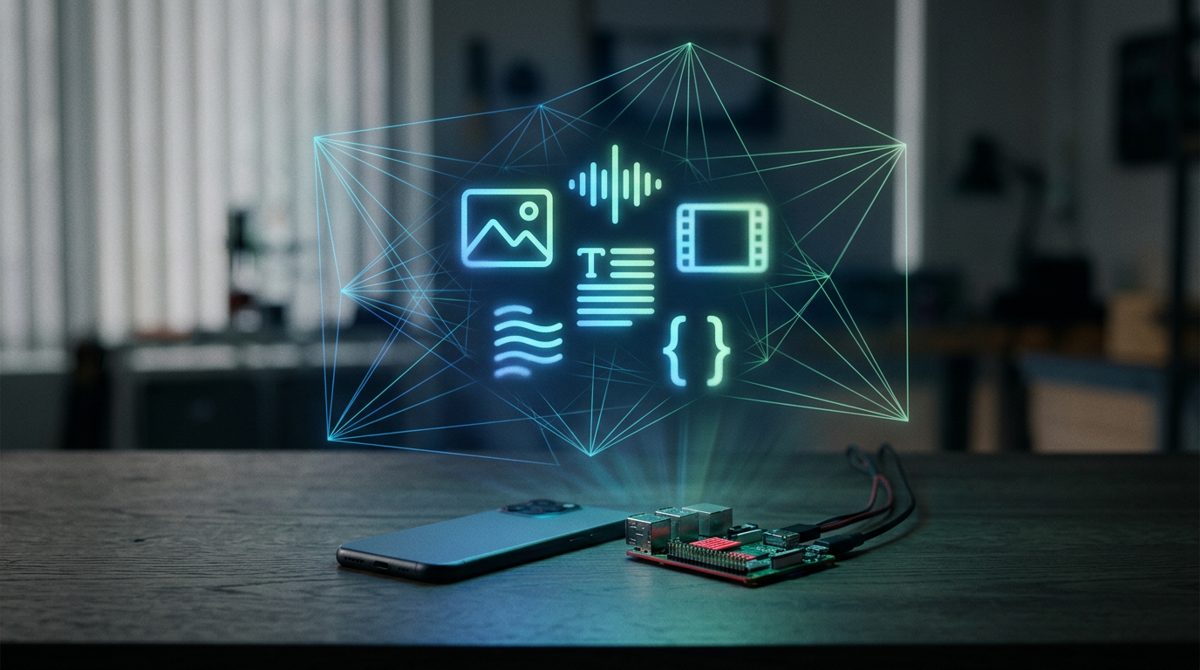
Google DeepMind released EmbeddingGemma 2 on 6 October 2026: an open, 740M-parameter embedding model that maps text, code, images, video and audio into one vector space. It is built for on-device semantic search, RAG and zero-shot intent routing, which matters for embedded Linux boards.
What Google announced with EmbeddingGemma 2
According to the Google DeepMind announcement, EmbeddingGemma 2 is built on the Gemma 4 architecture and released under the commercially permissive Apache 2.0 licence. The new version keeps strong multilingual text performance and adds native support for code, images, video and audio.
The headline specs, all taken from Google’s posts:
- Size: 740M parameters for the full multimodal model.
- Modular encoders: a 270M text/code core, plus an optional vision encoder (+170M) and audio encoder (+300M).
- Output: 768-dimensional vectors that can be truncated to 512, 256 or 128 dimensions using Matryoshka Representation Learning (MRL).
- Context: 8K tokens, four times EmbeddingGemma 1, enough for up to 5.5 minutes of audio, 29 images or 58 video frames.
- Memory: with quantization, about 191MB active RAM for text-only weights and about 567MB for the full multimodal model, measured by Google on a Pixel 11 Pro.
- Code retrieval: MTEB Code score up from 68.76 to 78.68 compared with EmbeddingGemma 1.
How one embedding space replaces a chain of models
An embedding model turns an input into a fixed-length vector so that inputs with similar meaning land close together. For a refresher, see our explainer on tokenization vs embeddings vs attention. What is new here is that every modality ends up in the same space.

Before this, searching photos or audio on a small device usually meant chaining an image captioner or a speech-to-text model in front of a text embedder. The Google AI Edge team writes that EmbeddingGemma 2 reduces the latency and memory overhead of that chain. Each modality still has its own encoder, but all outputs pass through a shared backbone, so a text query vector can be compared directly with an image or audio vector using cosine similarity.
The modular design matters on constrained hardware. According to the developer guide, you load only the encoders your data needs:
| Configuration | Parameters | Typical edge use |
|---|---|---|
| Text + code | 270M | Intent routing, document and log search, code search |
| Text + vision | 440M | Photo and video-frame search, visual documents |
| Text + audio | 570M | Searching voice memos and sound recordings |
| Full multimodal | 740M | Mixed media libraries, interleaved inputs |
All four setups share one checkpoint and one vector space.
On-device RAG with EmbeddingGemma 2, step by step
Retrieval-augmented generation (RAG) has two halves: retrieval finds the relevant pieces of your data, and a generative model reasons over them. EmbeddingGemma 2 handles the retrieval half. A typical offline pipeline looks like this:
- Chunk your documents, transcripts, images or video into retrievable units.
- Embed each chunk once and store the vectors locally. Google’s Instant Media Search demo stores them in a local SQLite database.
- Embed the query at runtime with the query prompt.
- Rank stored vectors by cosine similarity and take the top matches.
- Generate an answer by passing those matches to a local LLM such as Gemma 4.
Google notes that EmbeddingGemma 2 shares its text tokenizer and audio encoder with Gemma 4, so running both together in one pipeline has a lower combined memory footprint. Storage is the other lever: the developer guide says a million 768-dimensional vectors take roughly 1.5GB in bfloat16, against about 250MB at 128 dimensions. Google also warns that at 128 dimensions, image, video and speech retrieval quality drops to around 75%, so 256 dimensions is the safer floor for media.
What EmbeddingGemma 2 means for Raspberry Pi, Jetson and other edge boards
Google’s published numbers cover phones, Macs and web browsers, not single-board computers. The edge blog says MediaPipe Tasks targets iOS, macOS, Windows, Linux and Web, and that a single .litertlm file runs on CPU and GPU across all supported LiteRT platforms, with INT4 and INT8 quantization-aware training. That points to embedded Linux as a realistic target, but we have not seen official benchmarks for a Raspberry Pi, a Jetson module or an Arduino UNO Q-class board, so measure on your own hardware before committing.
A practical starting point:
- Raspberry Pi-class boards: start with the 270M text-only setup and quantized weights. Our post on how Raspberry Pi can now run serious on-device AI with LiteRT and Gemma covers the runtime side.
- Jetson-class modules: the extra GPU headroom makes the text + vision setup a more natural fit for camera and media search.
- Microcontroller + Linux hybrid boards: run the embedding model on the Linux side and let the microcontroller act on the routed intent over a serial or RPC link.
If you are still deciding which class of hardware a project needs, see Raspberry Pi vs mini PC vs microcontroller.
Two build ideas you can try
Offline intent router
The Google AI Edge team describes EmbeddingGemma 2 as a zero-shot decision engine: it matches user input against label descriptions without training data or fine-tuning. Their MediaPipe Decision Task demo evaluates 500 options per turn in under 100ms on device. The sketch below uses the sentence-transformers API from the developer guide; treat it as pseudo code and tune the threshold on real utterances.
# Offline intent router (sketch, sentence-transformers API)
from sentence_transformers import SentenceTransformer

model = SentenceTransformer(
    "google/embeddinggemma-2",
    config_kwargs={"vision_config": None, "audio_config": None},  # text-only, 270M
    truncate_dim=256,
)

INTENTS = {
    "lights_on":   "Turn on the lights or make the room brighter",
    "fan_speed":   "Change the fan speed, it is too hot or too cold",
    "status":      "Report sensor readings such as temperature or humidity",
}
names = list(INTENTS)
label_vecs = model.encode(list(INTENTS.values()),
                          prompt_name="Document", normalize_embeddings=True)

def route(utterance, threshold=0.45):
    q = model.encode(utterance, prompt_name="SearchQuery", normalize_embeddings=True)
    scores = model.similarity(q, label_vecs)[0]
    best = int(scores.argmax())
    if float(scores[best]) < threshold:
        return "unknown", float(scores[best])
    return names[best], float(scores[best])

print(route("it's really stuffy in here"))   # expected: fan_speed
Write labels as full descriptions, and keep the “unknown” fallback so out-of-scope requests never trigger hardware.
Local media search on a USB drive
The same pattern indexes a folder of photos from a camera trap or inspection rig. Load text + vision only, embed each image once, and search by typing a description. list_images() is a placeholder for your own file walker.
# Local media search: index once, query offline
import sqlite3, numpy as np

model = SentenceTransformer("google/embeddinggemma-2",
                            config_kwargs={"audio_config": None})  # text + vision, 440M
db = sqlite3.connect("media_index.db")
db.execute("CREATE TABLE IF NOT EXISTS media (path TEXT, vec BLOB)")

for path in list_images("/media/usb/photos"):
    vec = model.encode({"image": path}, truncate_dim=256, normalize_embeddings=True)
    db.execute("INSERT INTO media VALUES (?, ?)", (path, vec.astype("float32").tobytes()))
db.commit()

def search(text, k=5):
    q = model.encode(text, prompt_name="SearchQuery",
                     truncate_dim=256, normalize_embeddings=True)
    rows = db.execute("SELECT path, vec FROM media").fetchall()
    scored = [(p, float(np.dot(q, np.frombuffer(v, dtype="float32")))) for p, v in rows]
    return sorted(scored, key=lambda x: -x[1])[:k]
For thousands of items a linear scan is fine; for larger libraries, switch to an approximate nearest-neighbour index. MediaPipe’s Semantic Retriever Task does this on device, and Google says it returns ranked matches in single-digit milliseconds.
What this means for embedded engineers
- Try it first: install
sentence-transformers[image,audio,video](v6.1.0 or later) on a desktop, run the examples, then port to the board. - Pick a runtime: sentence-transformers for prototyping; LiteRT with pre-quantized
.litertlmbundles from the LiteRT Community on Hugging Face for deployment; MediaPipe Tasks if you want preprocessing handled for you. - Respect the input formats: audio should be 16 kHz mono, and video is sampled at 1 frame per second by default.
- Use task prompts: encode queries and documents with different prompts (
SearchQueryandDocumentin the guide). - Measure: log latency, peak memory and board temperature during bulk indexing.
Key takeaways
- EmbeddingGemma 2 is an open, Apache 2.0, 740M-parameter model that embeds text, code, images, video and audio into one space.
- Modular encoders let you run a 270M text-only setup on tight hardware and add vision or audio only when needed.
- MRL truncation to 256 dimensions cuts storage about threefold while keeping most retrieval quality.
FAQ
What is EmbeddingGemma 2?
EmbeddingGemma 2 is Google DeepMind’s open multimodal embedding model, released on 6 October 2026. It has 740M parameters, is built on Gemma 4 and maps text, code, images, video and audio into a shared 768-dimensional vector space.
Can EmbeddingGemma 2 run on a Raspberry Pi?
Google supports Linux through MediaPipe Tasks and LiteRT, and the text-only setup needs about 191MB of active RAM in Google’s phone measurements. Google has not published Raspberry Pi benchmarks, so test latency and memory on your own board.
Do I need to fine-tune it for intent classification?
No. Google describes zero-shot routing: you compare the user’s input with written descriptions of each label. Fine-tuning (for example with Unsloth) is optional.
Which embedding dimension should I use on an edge device?
Google’s guide recommends 768 or 512 when recall matters most, 256 for storage-constrained indexes, and 128 mainly for large text-only indexes or first-stage shortlisting.
Want to build edge AI and embedded Linux skills step by step? Explore the courses from Educational Engineering Team at https://eduengteam.com/online-embedded-systems-courses-educational-engineering-team-n/.