
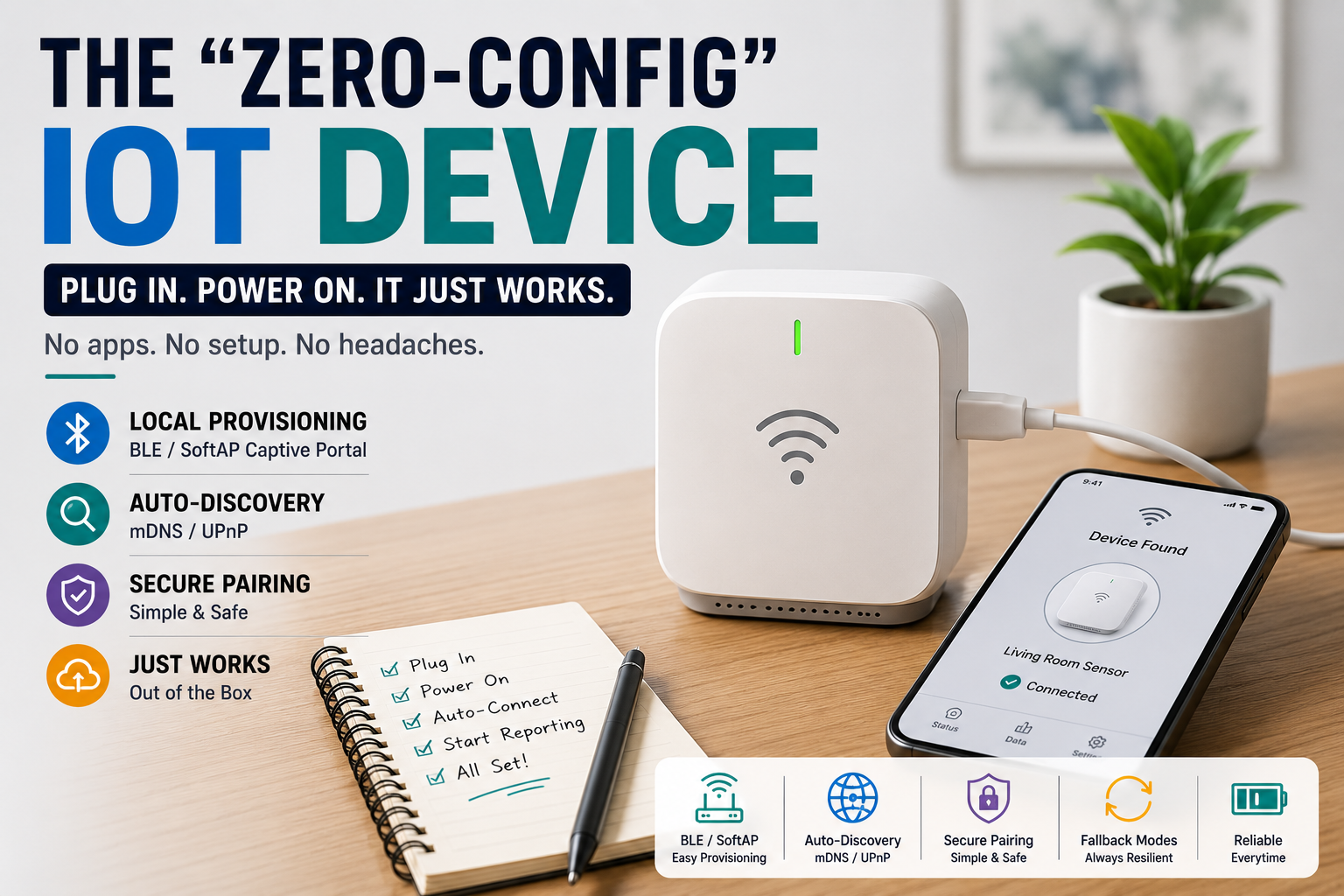
Imagine handing someone a smart sensor and giving them only one instruction: plug it in.
No account creation. No searching for an app. No typing a device ID printed in tiny letters underneath the enclosure. Ideally, within moments, the device is connected, discoverable, and doing what it was designed to do.
That experience sounds simple because good product design hides complexity. Behind it may be Wi-Fi provisioning, Bluetooth communication, local discovery, credential storage, retries, network failure handling, and several carefully designed fallback paths.
For embedded developers, this is the real challenge of zero-config IoT. The goal isn’t literally to eliminate every configuration step. It is to make configuration disappear from the user’s perspective whenever possible—and make the unavoidable steps short, understandable, and recoverable.

The Best Setup Screen May Be No Setup Screen
Embedded development often concentrates heavily on what happens after connectivity is established. Engineers optimize sensor sampling, MQTT communication, dashboards, power consumption, and firmware behavior.
But users meet the onboarding experience first.
If someone spends ten frustrating minutes trying to connect a device to Wi-Fi, the quality of everything behind that process becomes almost irrelevant.
A better design starts with three questions:
What can the device discover automatically?
What information absolutely requires the user?
What happens when setup fails?
Removing unnecessary decisions from those three areas is the foundation of frictionless onboarding.
What Actually Happens After You Plug It In?
A polished IoT product can perform quite a lot before asking the user to do anything.
A simplified startup sequence might look like this:
POWER ON
   ↓
Load saved configuration
   ↓
Known network available?
   ↓
 YES ─────────────── NO
  ↓                   ↓
Connect           Start provisioning
  ↓                   ↓
Advertise device ← Save credentials
  ↓
READY
On the first boot, the device recognizes that no network credentials exist and automatically enters provisioning mode. On every later boot, it attempts the saved connection first.
That small distinction prevents returning users from repeating first-time setup.
Two Practical Ways to Provision Wi-Fi
For many Wi-Fi IoT products, the device cannot connect until it somehow learns the local network name and credentials.
Two popular approaches are Bluetooth Low Energy (BLE) and SoftAP provisioning.
| BLE Provisioning | SoftAP / Captive Portal |
|---|---|
| Uses Bluetooth for setup | Device creates temporary Wi-Fi |
| Smooth with a companion app | Can work through a browser |
| App can discover nearby devices | User connects to device hotspot |
| Good for polished ecosystems | Good for app-free products |
| Requires BLE-capable hardware | Requires careful portal UX |
Neither method is universally better. The right choice depends on the product.
BLE Can Make Pairing Feel Almost Invisible
With BLE provisioning, a new IoT device temporarily advertises itself over Bluetooth. A phone or nearby controller detects it and transfers the information required for the device to join Wi-Fi.
The user experience can be extremely short:
- Power the device.
- Select the nearby device.
- Choose the network.
- Confirm.
The IoT device stores the credentials, connects to Wi-Fi, and can disable or restrict its provisioning service afterward.
BLE is particularly useful when the product already has a companion application. The application can guide the user through setup while hiding much of the underlying networking complexity.
The challenge is making sure BLE isn’t treated as a permanent open configuration channel. Provisioning should have a clearly defined lifecycle and appropriate authentication for the device’s threat model.
No App? Let the Device Create Its Own Setup Page
SoftAP provisioning offers another interesting approach.
When the device cannot find saved credentials, it creates a temporary Wi-Fi access point. The user connects to that network and opens a simple local configuration page.
The page might contain little more than:
Choose your Wi-Fi network → Enter password → Connect
A captive portal can make the process smoother by directing the user toward the setup page after joining the temporary network, although behavior varies across operating systems and devices.
This approach can be attractive for maker projects and products that deliberately avoid mandatory mobile applications.
Most importantly, the temporary setup network should not become a permanent forgotten feature. Once provisioning succeeds, the firmware should transition into normal operation and manage future access deliberately.
Don’t Make Users Enter Information the Device Already Knows
One of the easiest ways to improve onboarding is to stop asking unnecessary questions.
If firmware can discover available Wi-Fi networks, show those networks rather than asking users to type an SSID. If the device already knows its model and hardware identifier, don’t ask the owner to enter them manually.
The same principle applies to network services.
Automatic discovery can eliminate several traditional setup steps.
mDNS: Give the Device a Human-Friendly Name
An IP address such as 192.168.1.143 might make sense during development, but it is a poor interface for ordinary users.
Multicast DNS, or mDNS, allows devices on supported local networks to advertise hostnames and services without requiring users to know their IP addresses.
Instead of finding an address in a router administration page, a local device might be reachable through a memorable hostname.
That makes mDNS particularly useful for:
- Local dashboards
- Raspberry Pi services
- ESP-based web interfaces
- Development tools
- Smart-home controllers
It also makes devices easier to find after DHCP assigns a different IP address.
Discovery Can Go Further Than a Friendly Hostname
Protocols such as mDNS-based service discovery and, in some ecosystems, UPnP can help applications discover compatible devices automatically.
Imagine opening a local control interface and seeing:
New environmental sensor found nearby. Connect?
That’s dramatically easier than asking someone to locate an IP address, enter a port number, and manually identify the device.
However, automatic discovery should not automatically mean automatic trust. Finding a device and authorizing control of that device are separate problems.
A good system makes discovery effortless while keeping ownership and sensitive actions appropriately protected.
Pairing Should Prove Intent Without Creating Homework
There is a tension at the center of IoT onboarding.
Make pairing too complicated and users become frustrated. Make it completely open and someone nearby may be able to claim a device they don’t own.
Physical interaction provides an elegant middle ground.
A product could require the owner to briefly press a hardware button before accepting its first pairing request. Another design might use a short code printed on the device or displayed on a screen.
The interaction communicates something important:
“The person configuring this device probably has physical access to it.”
The best pairing flow therefore isn’t necessarily the one with zero actions. It’s the one with the fewest meaningful actions.
Design for the Second Boot, Not Just the First
A device that provisions beautifully once but becomes confused after a router replacement isn’t truly easy to use.
Real homes change.
People replace routers. Passwords change. Access points temporarily disappear. DHCP behaves differently. Internet connections fail while the local Wi-Fi network remains operational.
Firmware needs to distinguish these situations instead of treating every connection failure identically.
For example, losing internet access doesn’t necessarily mean Wi-Fi credentials are wrong. Immediately deleting credentials and restarting provisioning could turn a temporary ISP outage into a much larger user problem.
A resilient product should attempt recovery before demanding human intervention.
Give the Device a Recovery Ladder
Instead of having only two states—working and factory reset—use progressive recovery.
Connection lost
      ↓
Retry current network
      ↓
Back off and retry
      ↓
Try known alternatives
      ↓
Local/offline operation
      ↓
User-visible recovery mode
      ↓
Re-provision only when needed
This makes temporary failures far less disruptive.
A temperature monitor, for example, can continue sampling and storing readings while connectivity is unavailable. Once Wi-Fi returns, it can synchronize pending information.
The network failed. The product doesn’t have to fail with it.
Fallback Mode Is Part of the Product
Offline behavior deserves as much attention as successful connectivity.
Consider a smart light controller. If its cloud service becomes unavailable, the physical light switch should ideally continue working. A local environmental monitor should continue collecting readings. A smart irrigation controller shouldn’t forget its schedule simply because an external server cannot be reached.
Useful fallback behavior may include:
- Continuing core functions locally
- Buffering unsent measurements
- Providing a local control interface
- Showing a clear connectivity indicator
- Retrying communication with sensible backoff
The objective is graceful degradation rather than total shutdown.
Use the LED as an Interface, Not Decoration
Small embedded products often lack displays, but they still need to communicate their state.
A single RGB LED can provide useful feedback when its behavior is consistent.
For example:
Slow pulse: ready for setup
Fast pulse: connecting
Solid: connected
Distinct warning pattern: attention required
Avoid creating a complicated vocabulary of ten nearly identical blinking sequences. Users shouldn’t need a manual to decode an LED.
For devices with a display, use ordinary language such as “Connecting to Wi-Fi” rather than exposing networking states or error codes unless those details genuinely help troubleshooting.
Don’t Let Convenience Create a Security Problem
Zero-friction should never mean zero protection.
Some shortcuts that make prototypes convenient can be poor defaults for deployed devices. Permanent open configuration access, shared default passwords, unnecessary debug services, or unauthenticated administrative controls may turn effortless onboarding into effortless unauthorized access.
A better pattern is to make initial configuration easy while reducing exposure afterward.
Once setup is complete, consider whether the product should:
- Close temporary provisioning services.
- Restrict configuration access.
- Protect stored credentials appropriately.
- Require intentional action before re-entering pairing mode.
- Provide a clear reset procedure.
Good security and good usability don’t have to fight each other when both are considered early in the architecture.
Test Setup with Someone Who Didn’t Build It
Developers know too much about their own products.
If you designed the firmware, you already know which button needs to be held, what a particular LED means, how long connection normally takes, and where the reset control is hidden.
A new user knows none of that.
Give the device to someone unfamiliar with the project and provide only the instructions you intend to ship. Watch what happens without immediately helping.
Where do they hesitate?
What do they press twice?
When do they assume the device has frozen?
Those moments reveal onboarding problems that source-code reviews cannot.
The Grandma Test
A useful product-design exercise is simple:
Could someone with no knowledge of microcontrollers successfully set this up?
This doesn’t mean removing advanced features. It means hiding complexity until complexity is actually needed.
A strong zero-config experience might require nothing more than:
Plug in → discover → confirm → done.
Everything underneath—BLE advertisements, Wi-Fi credentials, DHCP, service discovery, retries, credential storage, and network recovery—is an engineering responsibility rather than a user responsibility.
That’s what makes the experience feel effortless.
Frequently Asked Questions
What does zero-config IoT mean?
Zero-config IoT describes connected devices designed to minimize manual setup through automatic discovery, provisioning, sensible defaults, and recovery behavior. It doesn’t necessarily mean literally zero configuration; the goal is to remove unnecessary technical steps from the user’s experience.
Is BLE or SoftAP better for IoT provisioning?
BLE works especially well when a product already uses a mobile application, while SoftAP can support browser-based onboarding without requiring an app. Hardware capabilities, security requirements, and the desired user experience should determine the choice.
What is a captive portal in IoT?
A captive portal is a local setup interface associated with a temporary network created by a device. It can provide a browser-based way for users to select network settings and complete initial configuration.
What does mDNS do for an IoT device?
mDNS helps devices advertise human-friendly local hostnames and services, reducing the need for users to discover and enter changing IP addresses manually.
Should an IoT device work without the cloud?
Where practical, essential device functions should remain available locally during internet or cloud outages. The appropriate fallback behavior depends on what the product does and which functions genuinely require remote services.
How should a device recover when Wi-Fi disappears?
It should generally retry intelligently, use appropriate backoff, preserve valid configuration, and continue local functions when possible. Re-provisioning should be requested only when recovery cannot reasonably restore connectivity.
Can zero-config onboarding still be secure?
Yes. Discovery can remain simple while sensitive configuration and ownership actions use appropriate authentication, physical confirmation, temporary provisioning windows, or other protections suited to the product.
Conclusion
The best IoT onboarding experience isn’t the one with the most impressive setup wizard. It’s the one users barely notice.
BLE provisioning, SoftAP captive portals, mDNS, automatic discovery, simple pairing, and intelligent fallback behavior give embedded developers the tools to remove much of the friction traditionally associated with connected devices. But the real improvement comes from changing the engineering mindset: the user shouldn’t have to understand the network architecture simply to make a product work.
A well-designed IoT device remembers what it already knows, discovers what it can, asks only for information it genuinely needs, explains its state clearly, and recovers gracefully when networks fail. When those principles are built into the firmware from the beginning, sophisticated connectivity can produce an experience that feels remarkably simple: plug it in, and it works.