
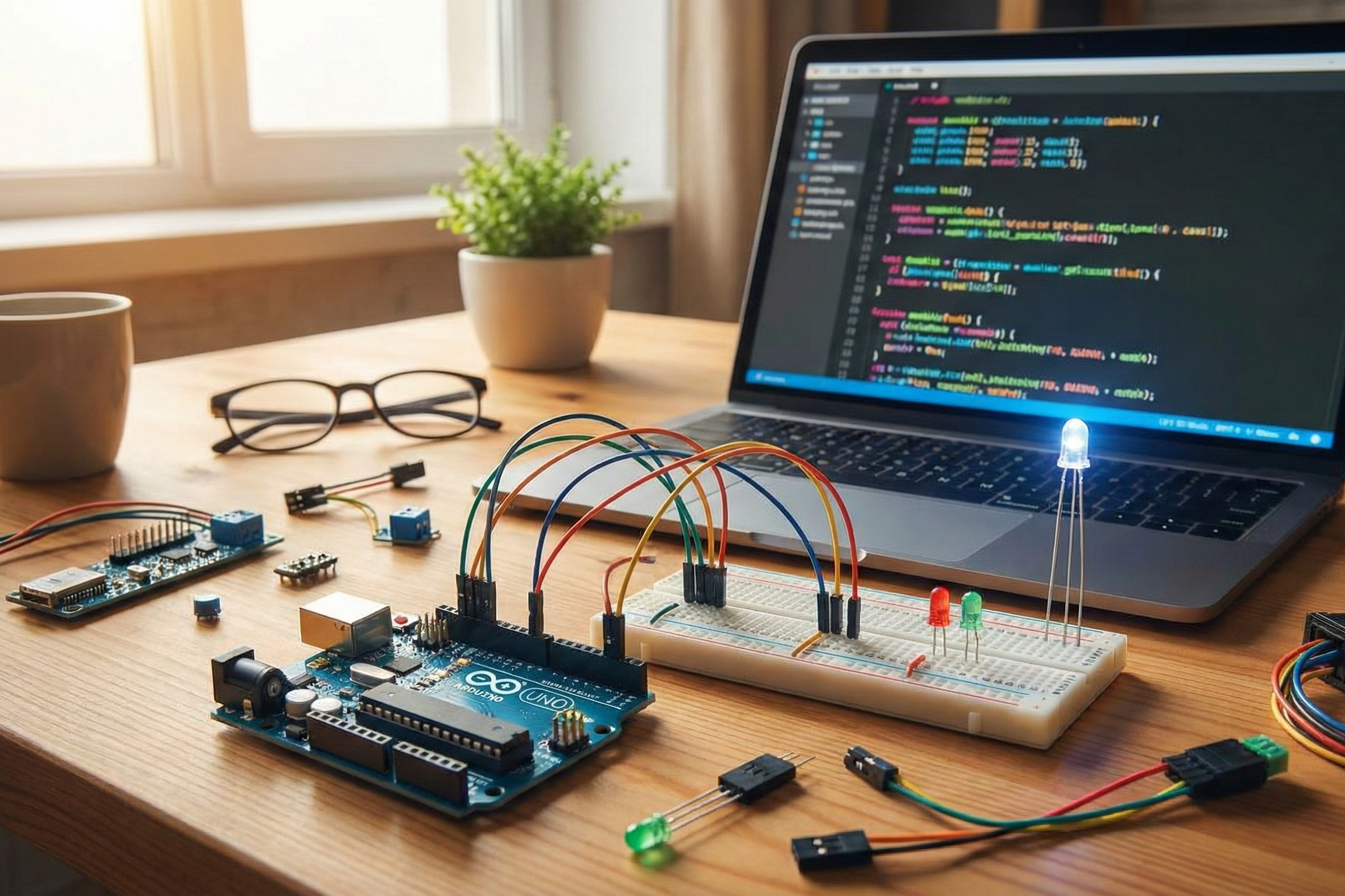
Arduino is the secret weapon for learning to code without getting stuck in math hell. Unlike abstract programming tutorials that feel like algebra homework, Arduino lets you write a few lines of code and instantly see motors spin, lights blink, or sensors react—making coding feel like play, not punishment. Even if you hate math, Arduino proves programming is about solving fun, real-world puzzles.
Arduino Skips the Math You Dread
Traditional coding lessons start with variables, loops, and algorithms that scream “math class.” Arduino flips this.
You write simple code like if (buttonPressed) { digitalWrite(LED, HIGH); } and plug in wires. No calculus, no trigonometry—just cause and effect.
Students discover logic through trial and error: “Why isn’t the LED lighting? Oh, I forgot the semicolon.” This builds confidence faster than solving equations.

Hands-On Wins Over Head-Down Theory
Arduino boards connect to sensors, LEDs, buzzers, and motors, turning code into physical results.
- Blink an LED: Your first program toggles a light on/off. See it work in seconds—no math, pure joy.
- Read a button: Code checks if pressed, then reacts. Teaches conditions without flowcharts.
- Control a servo: Tiny motor spins to an angle. Loops and timing emerge naturally as you tweak.
This “see it, tweak it, fix it” loop hooks beginners who bounce off Python or Java.
Why “Math Haters” Stick With It
Coding often hides behind formulas, but Arduino reveals the magic early.
| Common Coding Fear | Arduino Reality |
|---|---|
| Endless variables and data types | Use int for numbers, bool for yes/no—done. |
| Complex loops and recursion | for loops make lights dance; no need for Fibonacci. |
| Debugging invisible errors | Hardware fails obviously (no blink = bad wire). |
| “Useless” examples like fizzbuzz | Build a door alarm or plant waterer you actually use. |
Math-averse students grasp concepts because they’re tied to tangible wins, not worksheets.
Real Student Wins (No Math Required)
My students hated math but loved these zero-equation starters:
- Traffic light simulator: Red-yellow-green sequence teaches delays and states.
- Quiz buzzer game: Buttons trigger sounds—conditions and arrays sneak in.
- Mood lamp: Light sensor dims LEDs automatically, demystifying
analogRead().
They coded for hours because failures buzzed or stayed dark, not crashed silently.
Coding Skills You Gain Without Noticing
Arduino sneaks in pro-level concepts playfully:
- Logic and decisions:
if/elsefor sensor responses. - Loops: Repeat actions like fading lights.
- Functions: Reuse code for multiple motors.
- Debugging: Print to serial monitor or add debug LEDs.
By project three, they’re writing 100-line programs without realizing they’ve “learned to code.”
Get Started in 10 Minutes (Math-Free)
- Buy an Arduino Uno starter kit (~$25).
- Download free Arduino IDE software.
- Copy-paste the “Blink” example code.
- Upload and watch your first light pulse.
From there, tweak: Add a button, change speed, connect a sensor. No prerequisites.
Beyond School: Arduino Powers Careers
Tech jobs want builders, not just theorists. Arduino skills transfer to Raspberry Pi, ESP32, or even app development.
Pros use it for prototypes—proving you can skip math drudgery and jump to creating.
Turn “I Hate Coding” Into “Build Me One”
Arduino reframes programming as experimentation, not equations. Students who failed CS101 thrive here because wires and widgets make abstract ideas concrete. Once they blink their first LED, they hunt for problems to solve everywhere—from lazy plant waterers to epic robot arms. Hate math? No problem. Love results? Arduino’s your gateway.