
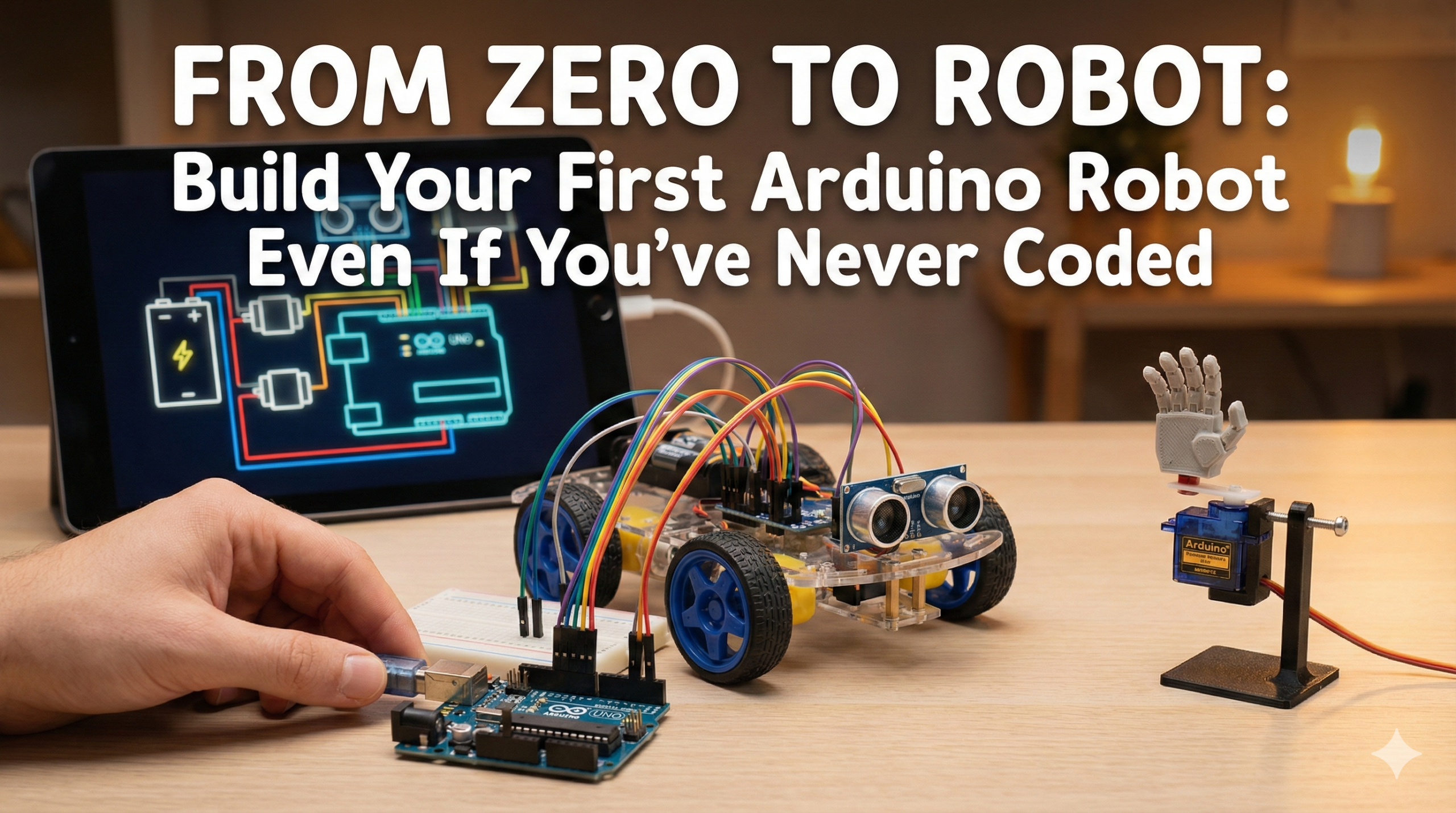
What Makes Arduino Robots Beginner-Friendly
Arduino robots combine a tiny programmable brain (the Arduino board) with motors, sensors, and a basic chassis. You write short code to tell the robot “if you see X, do Y,” then watch it come alive. Students love them because results happen fast—often in under an hour—and robots are inherently shareable on social media.
Key perks for newbies:
- Total cost under $30 for everything.
- Uses plug-and-play modules (no soldering needed).
- Free code examples you can copy-paste and tweak.
These projects emphasize “no experience needed,” focusing on obstacle-avoiding and handshake bots with step-by-step wiring and code.

Project 1: Obstacle-Avoiding Robot (Sensor-Guided Explorer)
The Problem It Solves
Boring toys that crash into walls. This wheeled bot uses an ultrasonic sensor to “see” obstacles and turn away automatically—like a Roomba mini.
Parts List (Under $25 Total)
- Arduino Uno (or clone).
- HC-SR04 ultrasonic sensor.
- L298N motor driver module.
- 2x DC motors with wheels.
- Simple plastic chassis (or cardboard).
- 9V battery and jumper wires.
Step-by-Step Build
- Assemble chassis: Mount motors on opposite sides, attach wheels. Add Arduino in the middle.
- Wire motors: Connect to L298N driver (left motor: pins 2/3; right: 9/10). Driver controls speed/direction.
- Add sensor: Ultrasonic trig/echo pins to Arduino 9/10. Power from 5V/GND.
- Power up: Battery to L298N; USB Arduino to computer.
Basic wiring diagram: Imagine Arduino at center—motors left/right via driver, sensor front-top.
Code
#define trigPin 9
#define echoPin 10
#define motorA1 2
#define motorA2 3
#define motorB1 9
#define motorB2 10

void setup() {
  pinMode(trigPin, OUTPUT);
  pinMode(echoPin, INPUT);
  pinMode(motorA1, OUTPUT); pinMode(motorA2, OUTPUT);
  pinMode(motorB1, OUTPUT); pinMode(motorB2, OUTPUT);
}

void loop() {
  long duration, distance;
  digitalWrite(trigPin, LOW); delayMicroseconds(2);
  digitalWrite(trigPin, HIGH); delayMicroseconds(10);
  digitalWrite(trigPin, LOW);
  duration = pulseIn(echoPin, HIGH);
  distance = (duration/2) / 29.1;

  if (distance > 20) { // Go forward
    analogWrite(9, 200); analogWrite(10, 200); // Motors forward
  } else { // Turn right
    analogWrite(9, 200); analogWrite(10, 0);
    delay(500);
  }
}
Upload via Arduino IDE (free download). Test: Bot rolls until it “sees” something close, then dodges.
Why It Goes Viral
Watch it navigate rooms autonomously—film short clips for TikTok. Teaches sensors, loops, decisions.
SEO keywords: Arduino obstacle avoiding robot, HC-SR04 Arduino robot, beginner ultrasonic robot project.
Project 2: Handshake Robot (Servo-Powered Greeter)
The Problem It Solves
Static projects with no “wow.” This tiny arm waves or shakes hands when you approach, using one servo motor.
Parts List (Under $10 Total)
- Arduino Nano (smaller than Uno).
- SG90 micro servo.
- HC-SR04 ultrasonic sensor (reuse from Project 1).
- Breadboard and wires.
- Cardboard for arm (servo horn as hand).
Step-by-Step Build
- Mount servo: Glue to breadboard; attach cardboard arm (10cm stick).
- Wire servo: Signal to pin 9; power/red to 5V, brown to GND.
- Add trigger: Ultrasonic facing forward (trig 7, echo 8).
- No chassis needed: Handheld or desk-mounted.
Simple diagram: Sensor → Arduino → Servo arm swings up/down on detect.
Code 2
cpp#include <Servo.h>
Servo myservo;
#define trigPin 7
#define echoPin 8

void setup() {
  myservo.attach(9);
  pinMode(trigPin, OUTPUT);
  pinMode(echoPin, INPUT);
}

void loop() {
  long duration, distance;
  digitalWrite(trigPin, LOW); delayMicroseconds(2);
  digitalWrite(trigPin, HIGH); delayMicroseconds(10);
  digitalWrite(trigPin, LOW);
  duration = pulseIn(echoPin, HIGH);
  distance = (duration/2) / 29.1;

  if (distance < 15) { // Handshake!
    myservo.write(90); delay(500); // Up
    myservo.write(0); delay(500);  // Down
  }
}
Power via USB. Wave hand near sensor—arm shakes!
Why It Goes Viral
Interactive and cute; perfect for Instagram Reels. Introduces servos (precise movement) vs. motors (continuous spin).
SEO keywords: Arduino handshake robot, SG90 servo Arduino project, beginner servo robot tutorial.
Quick Chassis and Wiring Tips
- Cheapest chassis: Buy 2WD robot car kit ($10 on Amazon/AliExpress) with pre-mounted motors/wheels.
- Wiring hacks: Use female-male jumpers—no soldering. Color-code: Red=power, black=GND, others=signals.
- Troubleshoot: Motors not spinning? Check driver power. Sensor wrong? Swap trig/echo pins.
- Upgrades: Add Bluetooth for phone control (HC-05 module).
Get Started in 60 Minutes
Download Arduino IDE, order parts, follow these steps. Your first moving robot proves coding isn’t scary—it’s magical. Share your build with #ArduinoRobotBeginner; tag friends who “can’t code.” Once it works, you’ll crave more: mazes, line-followers, even AI vision.